Strategy
Content Publishing Systems: Choosing the Stack Before the Workflow Breaks
How to choose content publishing systems by workflow, plugins and lock-in, with criteria for platform comparison before deadlines are set.
What to take away
- Pick the publishing system against your real workflowwho drafts, who approves, who schedules, and what happens when a writer leaves.
- Plugin dependency is the hidden cost, so count the third party parts each page template needs before comparing prices.
- Lock-in is set by export quality and data hosting, not by the sales page.
- Score platforms on editorial roles, revision history, scheduling, localization and data location.
- Decide the stack before you publish a deadline calendar, because migrating mid-quarter costs more than choosing slowly.
Stack decisions before the deadline
Deadlines expose gaps. A tool that cannot hold two approval rounds turns a weekly post into an email chase. Teams rarely lose time to writing. They lose it to finding the current draft.
The selection question is not which platform has the longest feature page. It is which platform matches the number of people who touch a page, the review steps they need, and the channels where content has to appear.
A publishing system is a promise about who can change what, and how fast.
Five criteria that decide most comparisons
Most platform comparison work collapses into five tests. Run each one with a real article, not a demo post.
Five Criteria for Platform Comparison
Criterion
- Editorial roles
- Writer publish without approval
- Scheduling
- Post live at set hour
- Revision history
- Restore last week's version
- Plugin dependency
- Count add-ons per template
- Export and hosting
- Leave with clean files
What to test
- Editorial roles
- One shared admin login
- Scheduling
- Manual Saturday publish
- Revision history
- Revisions in separate doc
- Plugin dependency
- Two plugins same field
- Export and hosting
- Content only in vendor database
Warning sign
- Editorial roles
- Scheduling
- Revision history
- Plugin dependency
- Export and hosting
Weight export and roles highest, because both are expensive to change later. Scheduling and revision history matter most for teams with more than one reviewer.
Plugin dependencies and workflow control
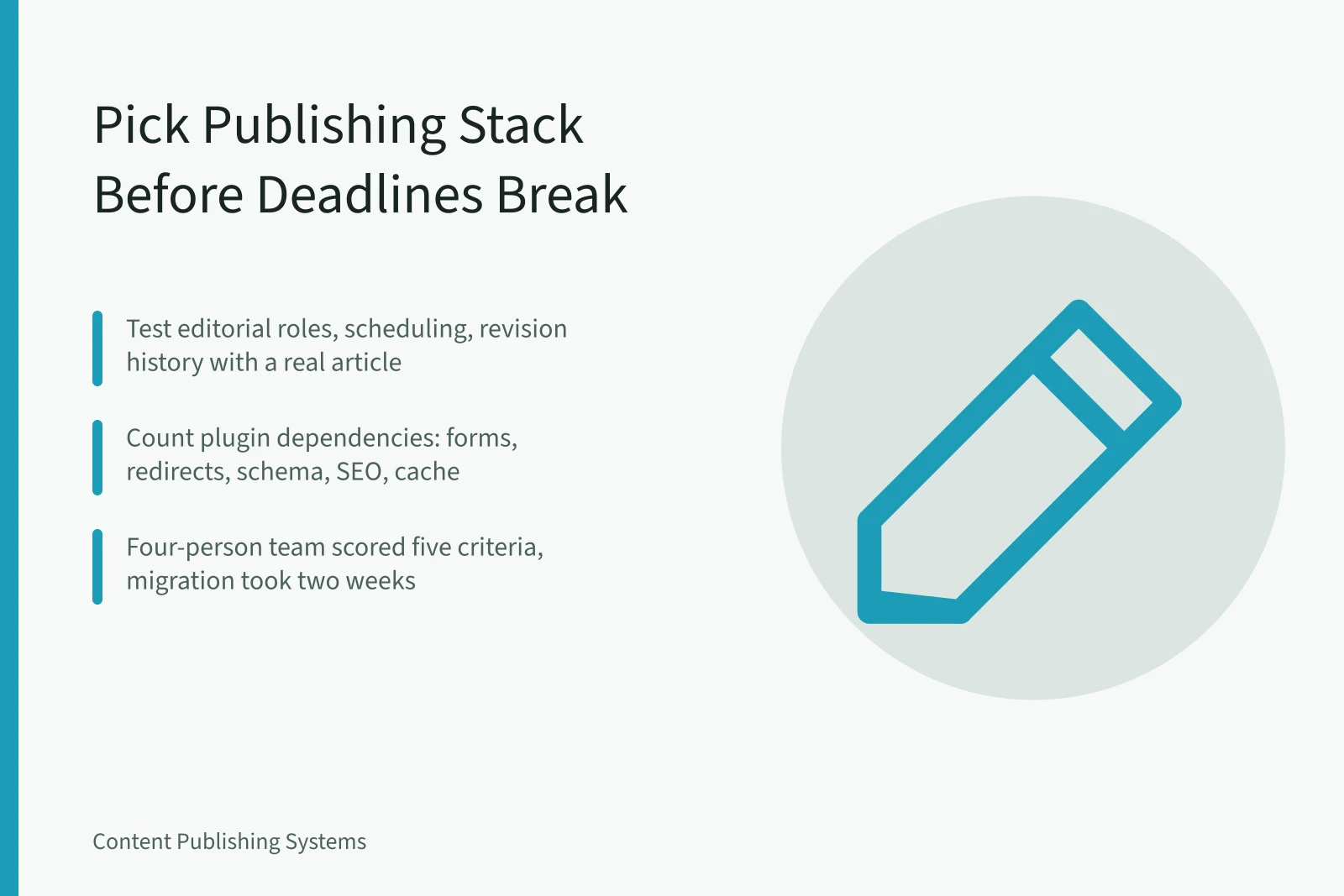
Plugin counts grow quietly: a form builder, a redirect manager, a schema tool, an SEO field, a cache layer. Each one is a dependency a future update can break.
The comparison in Webflow vs WordPress for content teams comes down to exactly this mix of workflow, plugins and lock-in, and it prices both under US state privacy rules.
WordPress runs on a plugin architecture that lets a small team add features without writing code, which is also how maintenance work accumulates.
Webflow keeps structure and styling in one visual editor, which reduces plugin count but moves limits into the platform itself.
Example: a four-person team moving off shared drafts
A team of four editors published three posts a week from one shared account. Approvals happened in chat. After two missed launches, they ran a selection round.
Four-Person Team Selection Round
- List content types and editors
- Run deadline cycle in two tools
- Score both on five criteria
- Price migration including redirects
They chose the platform that lost on price but won on roles and export. The migration took two weeks. Staying would have cost a quarter of stalled publishing.
Lock-in, export and data location
A headless CMS splits the editing interface from the delivery layer, which can simplify export and also spreads responsibility across more services.
Ask two questions before signing. Who owns the domain, hosting and analytics accounts? What happens to drafts and media if the subscription stops?
For Canadian teams, PIPEDA sets consent and handling rules for personal information collected through forms, newsletters and gated content.
A checklist before you sign
- Export a sample site and open the files on a different host.
- Confirm who owns domains, hosting and analytics accounts.
- Test the approval chain with two reviewers, not one.
- Ask what happens to drafts if the contract ends.
The stack and the publishing calendar
A stack only helps if the calendar behind it is realistic, and our guide to content planning shows how to turn strategy into prioritized work with capacity, dependencies and distribution.
Set review steps, publication targets and owners while the tool decision is still open. Changing them after migration means retraining everyone twice.