Strategy
Headless CMS vs Traditional CMS for Multilingual Content Teams
Compare headless and traditional CMS for multilingual teams. See governance, translation handoffs, and regulatory review for English and French Canadian content.
Headless CMS vs Traditional CMS for Multilingual Content Teams
What to take away
- Headless CMS wins when multiple front ends and locales need the same content.
- Traditional CMS wins when editors want one admin and built-in plugins.
- Governance and regulatory review decide more than the architecture label.
- A bilingual English and French Canadian team needs French-first review.
- The right choice depends on who approves translations and how many channels you publish to.
How each architecture handles locale structure
Traditional CMS like WordPress stores translations as posts, pages, or taxonomy terms. Plugins such as WPML, Polylang, Weglot, and TranslatePress link language versions. Drupal has multilingual fields in core. Editors see one tree and can switch languages.
Locale Storage: Traditional vs Headless
Traditional CMS
- Locale storage
- Posts, pages, taxonomy
- Language linking
- WPML, Polylang, Weglot
- Editor view
- One tree, switch languages
- Translation status
- Lives in plugin
Headless CMS
- Locale storage
- Locale field or entry
- Language linking
- API returns right locale
- Editor view
- Front end renders locale
- Translation status
- Lives in field or entry
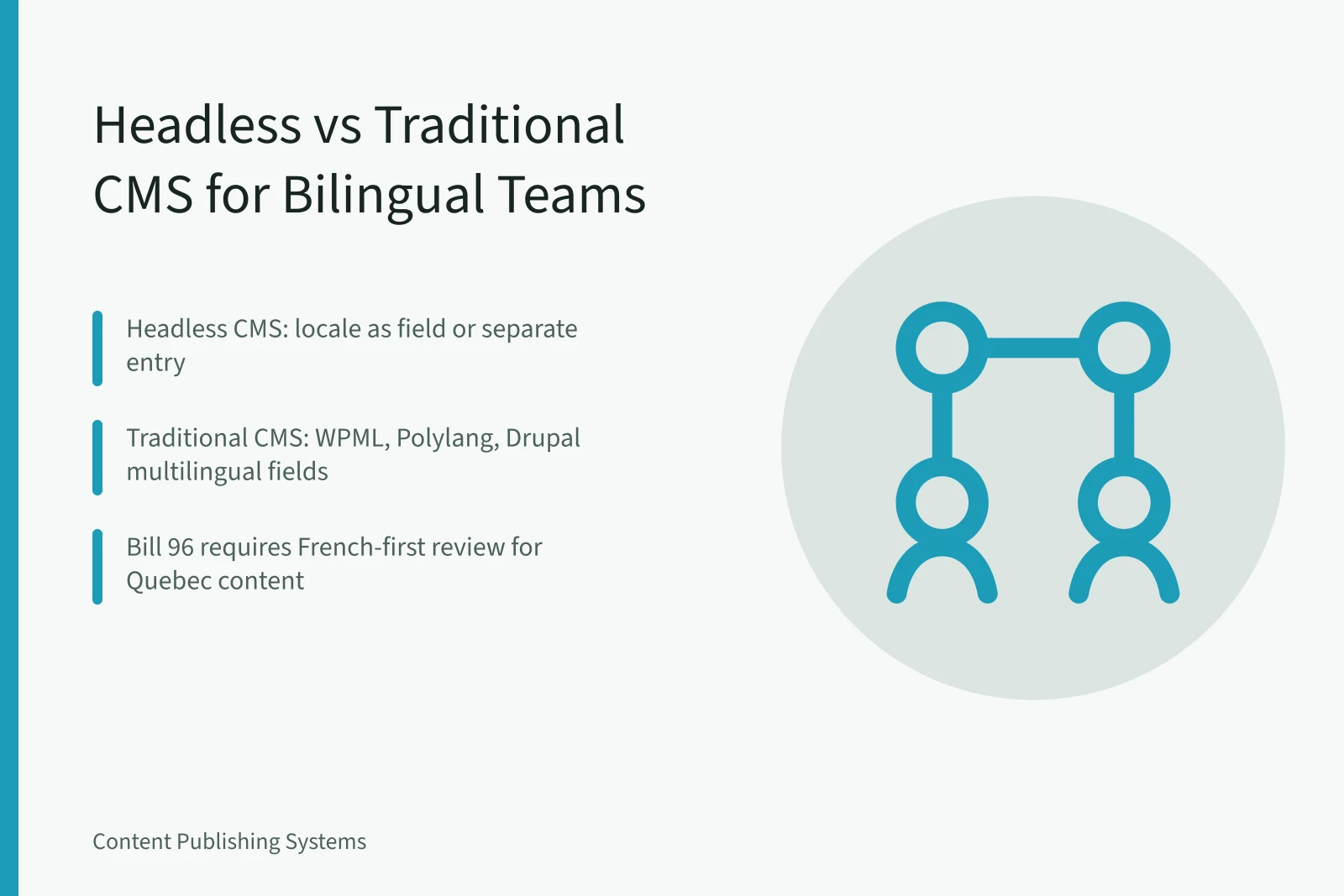
A headless CMS like Contentful, Strapi, Sanity, Storyblok, or Prismic stores locale as a field or separate entry. The API returns the right locale. Front ends like Next.js, Nuxt, or Webflow render it. Each model changes where translation status lives.
Localization governance and translation handoffs
Crowdin, Lokalise, Phrase, and Transifex accept XLIFF and API payloads. They keep translation memory and glossaries. In a traditional CMS, a plugin like WPML can send content to these systems. In a headless CMS, a webhook triggers the handoff. The governance question is who approves the French version.
Where the Approval Chain Lives
Traditional CMS
- Locale setup
- Plugin language switcher
- Translation export
- XLIFF from plugin
- Review chain
- Built-in editorial roles
- Front-end routing
- Theme handles /fr/
- Audit trail
- Plugin logs
Headless CMS
- Locale setup
- Locale field or entry
- Translation export
- API or webhook to TMS
- Review chain
- Custom roles in CMS or TMS
- Front-end routing
- Framework handles locale routes
- Audit trail
- API logs and TMS history
The table shows that both models can route translations. The difference is where the approval chain lives. A traditional CMS often keeps review inside WordPress or Drupal. A headless CMS pushes review to a translation management system or a custom admin. Traditional CMS review often uses WordPress roles like editor and author. A headless CMS may need a custom admin or a tool like Lokalise. The tradeoff is editor simplicity against channel flexibility.
Regulatory review for English and French Canadian content
Quebec's Charter of the French Language requires French commercial publications. Bill 96 added rules for signs, contracts, and some trademarks. A bilingual workflow must route French copy to a qualified reviewer. CASL covers consent, identification, and unsubscribe for commercial electronic messages. PIPEDA covers personal information. The FTC native advertising guide covers disclosure for sponsored content in the U.S. For a U.S. audience, the same review should check native ad disclosure and health claims. The FTC guide is a starting point for sponsored placements.
The CMS choice matters less than who signs off on the French version before publication.
Example: a bilingual product launch in Toronto and Calgary
A Toronto agency building a bilingual campaign for Ontario and Quebec can start with Toronto content publishing systems to map editorial calendars and translation handoffs. That page shows how approval chains work for English and French markets.
An energy client in Calgary needs different rules. Calgary content marketing covers AER disclosure, Competition Bureau rules, and named associations. That page includes a working checklist for regulated claims.
When headless beats traditional for multilingual teams
If you need the same article in five locales and three apps, Headless CMS for content teams pays off when portability and syndication drive the decision. That page compares WordPress and custom builds on cost and workflow.
For a broader planning view, content marketing strategy connects audience needs, business goals, formats, distribution, operations, measurement, and governance. It helps you decide whether the CMS change fits the business constraint. A traditional CMS can still win if your only channel is a website with two languages. A headless CMS adds API work that may not pay off for a small bilingual blog.
A migration checklist for bilingual publishing
Use this sequence before you commit to a rebuild.
- Inventory every locale, content type, and channel.
- Map translation handoffs and approval roles.
- Test regulatory review for French and English.
- Choose the CMS model based on channels and governance.
- Pilot one campaign before full migration.
Each step should produce a document that the translation lead and legal reviewer can sign.
Decision checklist
- Multiple front ends need the same content
- Translation memory and glossary required
- French review before publication
- CASL and PIPEDA checks
- Audit trail for regulated claims
Common questions
Is headless CMS always better for multilingual content? No. It depends on channels, governance, and who approves translations. Can WordPress handle English and French Canadian content? Yes. WPML, Polylang, Weglot, and TranslatePress support bilingual workflows. What rules apply to French content in Quebec? The Charter of the French Language requires French commercial publications. Bill 96 added more requirements. Do headless CMS tools handle translation review? Some do. Many teams connect Crowdin, Lokalise, or Phrase for review chains.