Strategy
Webflow to WordPress Migration: What Content Teams Must Check First
What breaks when content moves from Webflow to WordPress: CSV export gaps, dynamic URL redirects, WP-Cron scheduling, and plugin lock-in risks.
What to take away
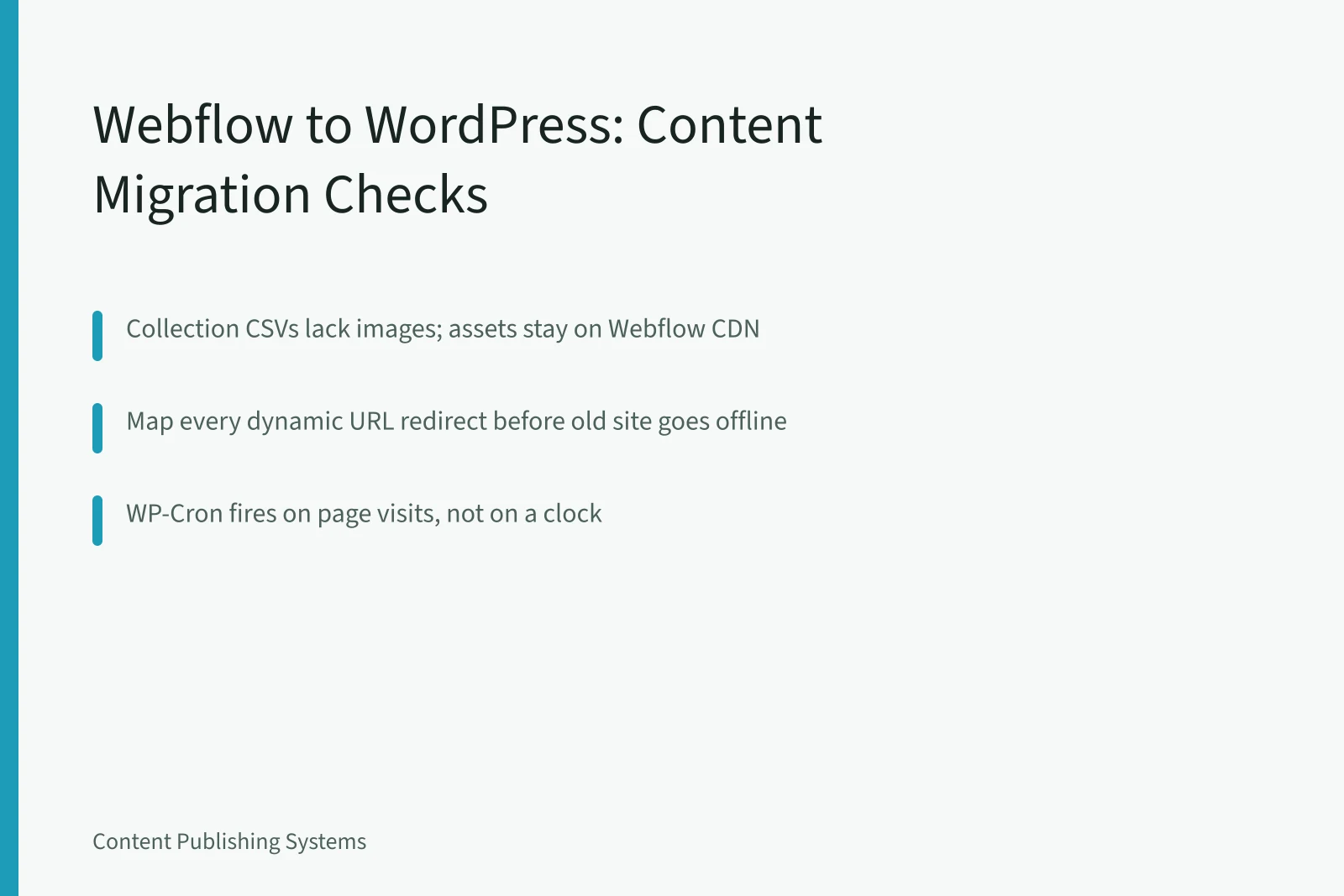
- Webflow's code export ships static HTML, CSS and JavaScript, while collection content leaves as CSV without bundled images or files.
- Every dynamic collection URL needs a redirect mapped before the old site goes offline.
- WordPress scheduled posts depend on WP-Cron, which fires on page visits rather than on a clock.
- Page builder and custom field plugins store data inside post content, so removing one can strip layout or hide fields.
- Allow two to four weeks of parallel running for redirects, sitemaps, feeds and analytics checks.
Where Webflow content breaks in export
Each Webflow collection exports as a CSV file. Rich text fields arrive as HTML, which is useful, but reference and multi-reference fields arrive as internal IDs rather than readable names. You rebuild those relationships by hand in WordPress.
What Survives the CSV Export
Webflow export
- Rich text fields
- HTML in cells
- Reference fields
- Internal IDs
- Multi-reference fields
- Internal IDs
- Images and PDFs
- CDN URLs only
- CMS item pages
- Not in code export
- Forms and orders
- Not exported
What you get
- Rich text fields
- Paste and clean
- Reference fields
- Rebuild by hand
- Multi-reference fields
- Rebuild by hand
- Images and PDFs
- Download and rewrite
- CMS item pages
- Recreate templates
- Forms and orders
- Export separately
WordPress fix
- Rich text fields
- Reference fields
- Multi-reference fields
- Images and PDFs
- CMS item pages
- Forms and orders
Images, PDFs and other assets are not bundled with the CSV. Your export contains URLs pointing at Webflow's CDN, so images break the moment the old project is unpublished. Download assets and rewrite every path before launch.
Webflow is a visual development tool with a built-in CMS, so design and content sit in one project. The code export does not carry CMS item pages, form submissions, Ecommerce orders or Memberships data.
URLs, redirects and search visibility
Webflow collection pages live at slugs nested under a parent path, such as /blog/post-name. WordPress permalinks follow whatever structure you set in Settings, so the two patterns rarely match on the first pass.
Building the Redirect Map
- Crawl the live Webflow site
- Add exported slug columns
- Include pagination and tag pages
- Map custom 404 behaviour
- Audit every URL, owner, signal
- Test each row before launch
Build a redirect map from a crawl of the live site plus the exported slug columns. Include collection pagination, tag pages and any custom 404 behaviour. A content audit inventories every URL, owner and performance signal before anything moves, which makes the map defensible when traffic dips.
If you are still weighing the platforms themselves, the side by side review of editorial control, plugin depth and data hosting sits in Webflow vs WordPress for content teams.
Publishing workflow differences that hit deadlines
WordPress ships with five default roles. Contributors write without publishing, Authors publish their own posts, and Editors manage everything. That permission model differs from a Webflow Editor seat, and it changes who can move a draft to live.
Webflow Seats vs WordPress Roles
Webflow
- Editor seat
- Contributor
- Editor seat
- Author
- Editor seat
- Editor
- Scheduling
- Publish date
- Low-traffic site
- On time
- Fix
- Built in
WordPress
- Editor seat
- No
- Editor seat
- Own posts
- Editor seat
- Everything
- Scheduling
- WP-Cron on page loads
- Low-traffic site
- Hours late
- Fix
- Server or external cron
Can publish
- Editor seat
- Editor seat
- Editor seat
- Scheduling
- Low-traffic site
- Fix
Scheduled posts are the trap. WordPress checks for due posts through WP-Cron, which runs on page loads rather than on a clock. On a low-traffic site, a post dated for 9am can sit unpublished for hours.
Add a server cron entry or an external cron service, then test it by scheduling a post on a quiet day.
Dates hold only when capacity, dependencies and review windows are agreed first, and that groundwork is covered in content planning with realistic capacity.
WordPress plugin lock-in risks to plan for
WordPress stores posts and pages in a database, and plugins extend what that database can hold. Plugin choices therefore shape content, not just the admin screens.
Page builders such as Elementor, Divi and WPBakery save shortcodes inside the post body. Deactivate the builder later and readers see raw shortcode text. Custom field plugins such as ACF keep values in post metadata, but the field groups that display them live in the plugin.
SEO plugins hold titles, meta descriptions and redirect rules. Moving between SEO plugins means exporting and re-importing those values. Test by deactivating a plugin on a staging copy and checking ten representative pages before you commit.
Example migration readiness check
| Content type | Webflow behaviour | WordPress action |
|---|---|---|
| Collection items | CSV export per collection | Import into posts or custom post types |
| Rich text fields | HTML inside CSV cells | Paste into the block editor, then clean markup |
| Images and files | CDN URLs, no bundle | Download, upload, rewrite paths |
| Dynamic pages | Slug under a parent path | Permalink rule plus a 301 redirect |
| Forms and submissions | Entries stored in Webflow | Pick a forms plugin, export entries |
| Scheduled posts | Publish date in the CMS | Cron job plus a role review |
Pre-migration checklist for content teams
- Export every collection and open each CSV to confirm the rich text, reference and multi-reference columns.
- Crawl the live site and record every collection URL, pagination page and tag page in one sheet.
- Download assets and rewrite file references so nothing points at Webflow's CDN after launch.
- Map templates to WordPress post types, taxonomies and user roles, then name an owner per template.
- Run both sites in parallel and verify redirects, sitemaps, RSS feeds and analytics tags twice.
A migration is finished when the redirect sheet has no untested rows, not when the last post imports.